The moment the hefty brown box arrived, I knew this wasn't just another flimsy gadget. Unboxing the Andonstar AD246S-M, I was immediately struck by the substantial weight of the boom arm stand – it felt solid, professional, and promised stability, which is often a critical failing point for other digital microscopes I've tried. Setting it up on my workbench, connecting the display, and attaching the first lens was straightforward enough, taking about 15 minutes, mostly spent wrestling the boom arm into its ideal position. My first test subject was a particularly stubborn cold solder joint on an old Nintendo Switch joy-con board. The 7-inch screen immediately sprang to life with a crisp, clear image, and as I started to dial in the focus, I realized this wasn't just a toy. The level of detail on that tiny SMD component was surprising, and I knew right then that this microscope had the potential to genuinely elevate my electronics repair game. The satisfying click of the zoom wheel and the smooth articulation of the boom arm confirmed my initial positive gut feeling.
- This is best for serious electronics hobbyists, small-scale repair professionals, numismatists (coin collectors) looking for detailed error inspection, and anyone needing a stable, high-magnification view with a good working distance.
- The standout feature is undoubtedly the robust, highly adjustable boom arm stand coupled with the versatile lens system, offering excellent stability and practical working distance for hands-on tasks.
- The single biggest limitation or frustration is the clunky, somewhat unintuitive user interface and the often-finicky focus at the highest magnifications, which can be frustrating during prolonged use.
- It's absolutely worth the price for its specific use cases, offering a significant upgrade in stability and image quality over budget pillar-stand microscopes, though it doesn't quite compete with professional stereo microscopes in terms of optical clarity and ease of use.
First Impressions and Build Quality
Let's talk about the physical presence of the AD246S-M. The first thing you'll notice is that boom arm. It's not some flimsy piece of stamped sheet metal; it’s a heavy, powder-coated metal beast that clamps securely to your desk. Mine has a textured black finish that seems durable and resisted fingerprints well. The main vertical pole has a diameter of about 1.5 inches, giving it excellent rigidity. The articulating arm extends horizontally, offering a generous reach of approximately 10 inches, allowing me to position the microscope head precisely over my work area without constantly moving the base. This is a crucial distinction from traditional pillar-style stands, which often limit your working space.
The microscope head itself, housing the 7-inch LCD screen, feels like a mix of sturdy plastic and metal. The screen is bright and clear, with good viewing angles for a digital display of this type. The buttons underneath the screen – for power, menu, zoom, and capture – have a tactile click, though they sometimes feel a little cheap compared to the robust stand. The lens mounts are metal, which is a big plus for durability, ensuring a secure fit for the three included lenses. Each lens feels substantial, with metal bodies and glass optics. The focus wheel on the microscope head is smooth and provides decent resistance, which is essential for fine adjustments. I did notice a slight bit of play in the screen's tilt mechanism after a few weeks of adjusting it, but it wasn't enough to cause concern about its long-term durability.
Packaging was excellent. Everything was nestled securely in custom-cut foam inserts, preventing any damage during shipping. This attention to detail in packaging is always a good sign of a manufacturer who cares about their product reaching the customer in pristine condition. Overall, the build quality, particularly of the boom arm, instills confidence. It feels like a tool designed to be used, not just admired. It's a significant step up from the cheaper, all-plastic digital microscopes I've encountered, striking a good balance between cost and robust construction.
Key Features Worth Knowing
- The Pro Boom Arm Stand: This is, without a doubt, the star of the show. I've used pillar stands before, and they're just too restrictive for soldering or working on anything larger than a postage stamp. The boom arm provides an incredible amount of flexibility, allowing you to swing the microscope head out of the way, bring it in close, and adjust the height and angle with ease. The base clamp is strong, holding firmly to my 1.5-inch thick workbench. It doesn't wobble, even when I'm making fine adjustments or pressing buttons on the microscope head. This stability is absolutely critical when you're working at high magnifications, and it's a feature I wouldn't compromise on again.
-
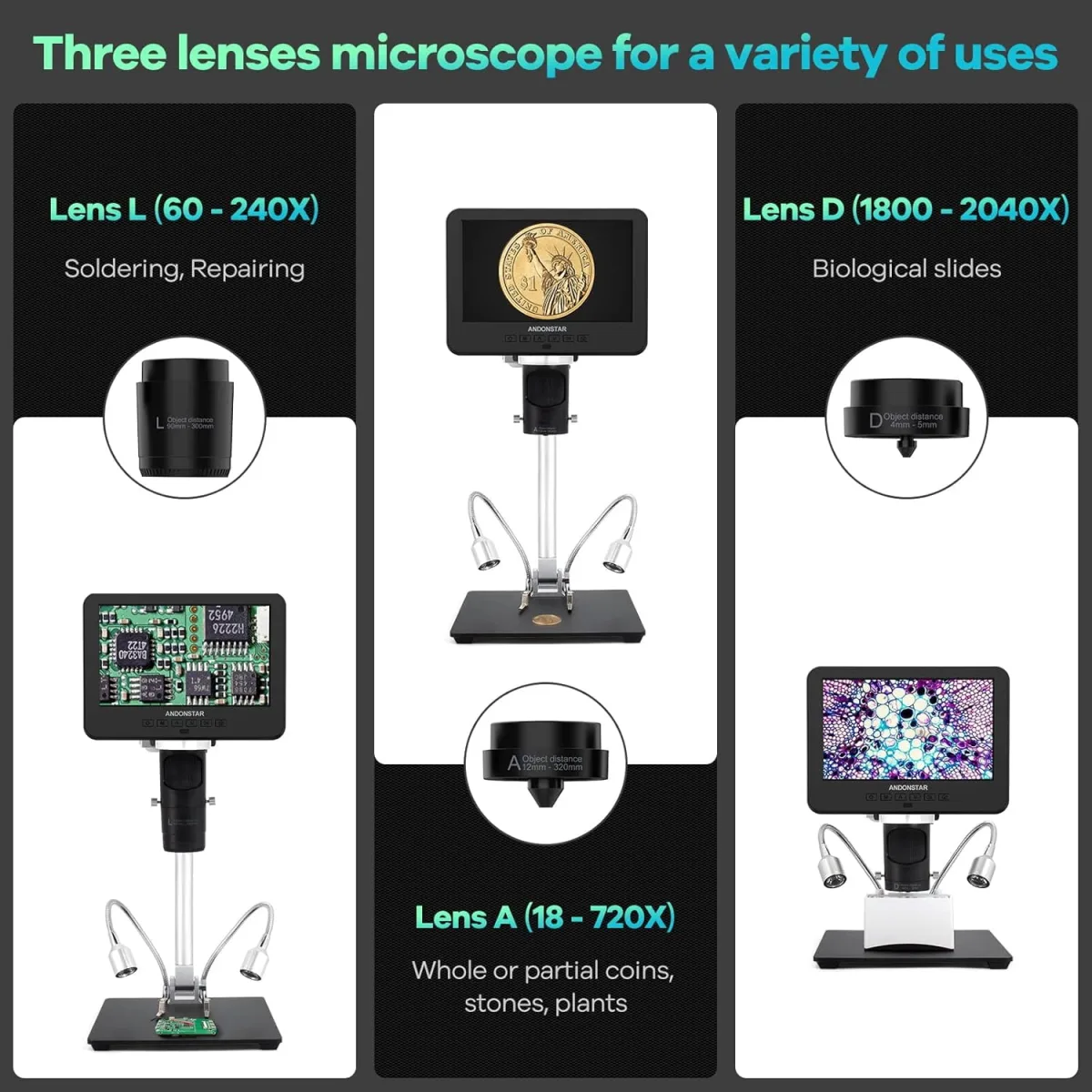
Three Versatile Lenses (A, D, L): This is where the AD246S-M truly shines in terms of adaptability.
- Lens A (500x): This is your workhorse. It offers a generous working distance (several inches, depending on zoom) and a wide field of view, making it perfect for general electronics inspection, soldering, and examining coins. It's easy to focus and provides sharp images. I spent about 80% of my time with this lens attached.
- Lens D (2000x): This is the ultra-high magnification lens. It's impressive to see individual traces on a PCB or the tiny details on a coin's surface. However, the working distance becomes extremely short (millimeters), and the depth of field is razor-thin. Focusing at 2000x is a painstaking process, and any slight vibration or movement can throw it off. It's great for showing off, but less practical for hands-on work. It was a bit of a negative surprise how difficult it was to get a stable, clear image at this magnification for more than a few seconds. It's almost too much power for practical bench work unless you're incredibly steady.
- Lens L (Side-View): This was my positive surprise! I didn't think I'd use it much, but for inspecting solder joints on multi-pin ICs or looking for cracks under components, it's invaluable. It uses small mirrors to give you a side-on view, which is something a top-down microscope can't do. It’s perfect for finding those pesky bridges or bad fillets that are hidden from above. The image quality is surprisingly good, though a little darker due to the mirror system.
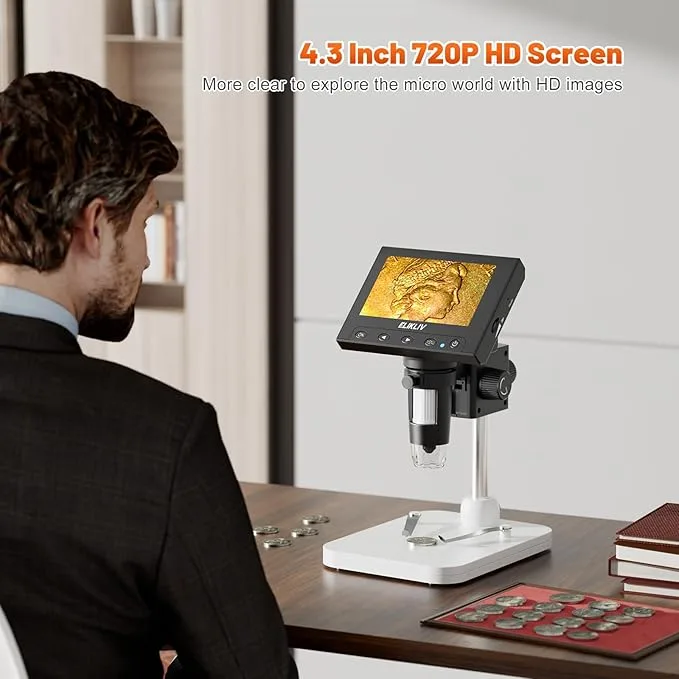
- 7-Inch LCD Screen with 2160P UHD Video Record: The screen is large enough to comfortably view your work without straining your eyes, even for extended periods. The 2160P (4K) recording capability is fantastic for documenting repairs, creating instructional videos, or simply capturing impressive close-ups. The image quality directly on the screen is excellent, vibrant, and clear. Recording to an SD card (not included) is straightforward, and the video files are high quality.
- Wired Remote Control: This small, wired remote is a thoughtful addition. It allows you to take photos, record video, and adjust settings without touching the microscope head, which is crucial for preventing vibrations, especially at higher magnifications. It's simple, effective, and makes capturing images much less frustrating.
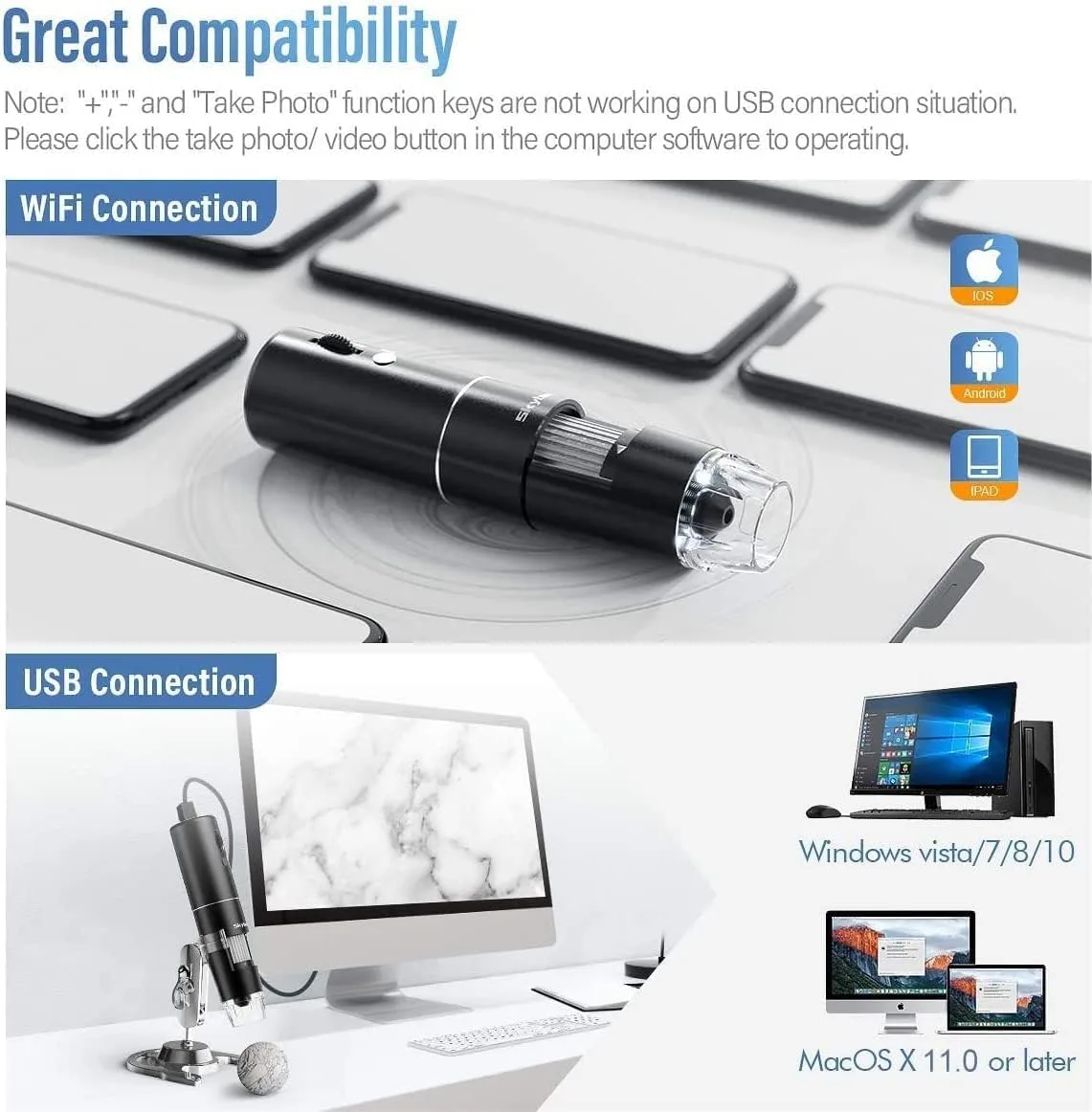
- Windows Compatible & HDMI Output: Connecting to a larger monitor via HDMI is seamless, providing an even bigger view for collaborative work or teaching. The PC compatibility (via USB) allows you to use the microscope as a webcam, which is useful for specialized software or streaming. The included software is basic but functional for capturing and measuring. I found the direct HDMI output to my 27-inch monitor to be the most practical for my workflow.
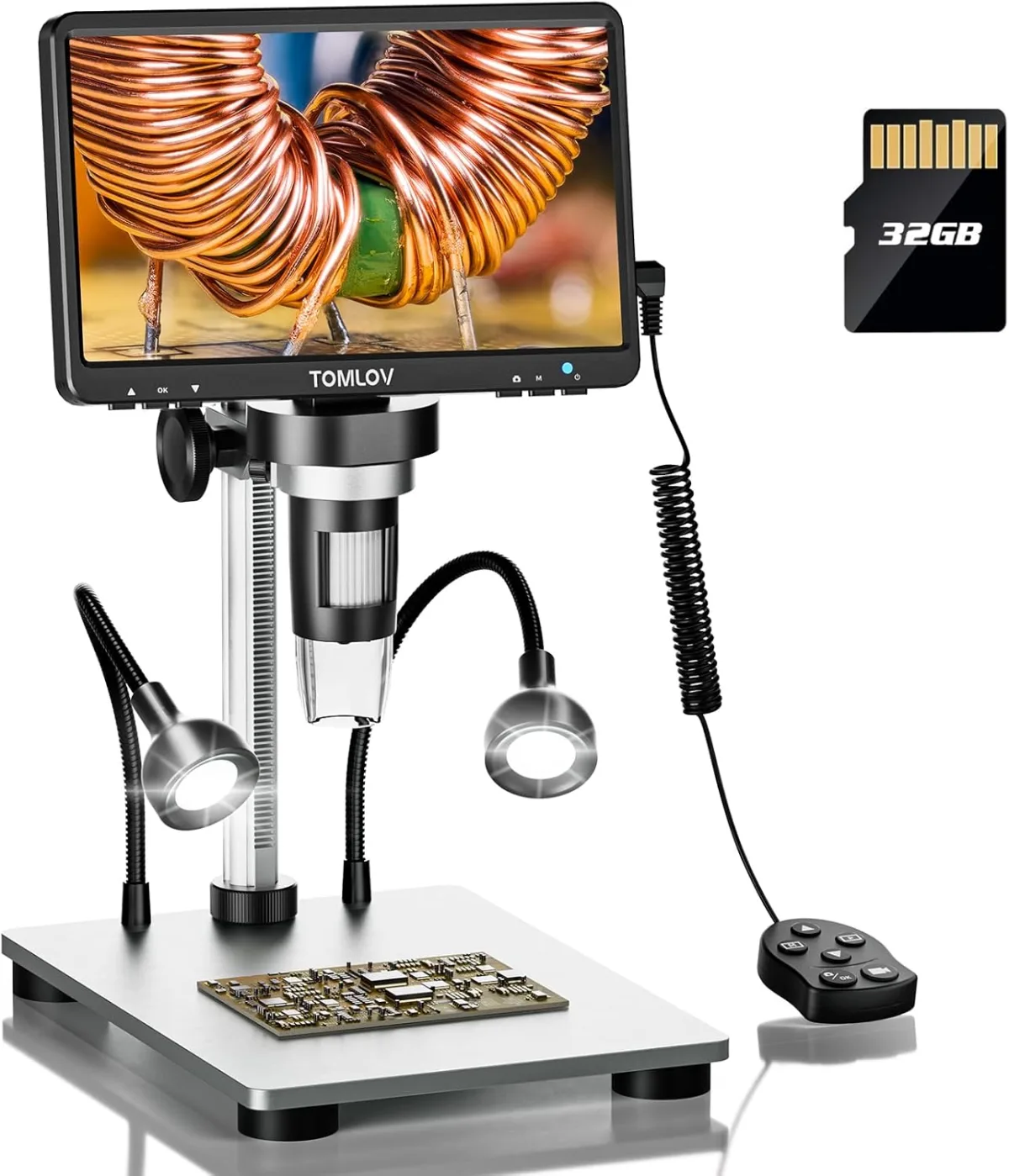
- Adjustable LED Lights: The microscope head has eight built-in LEDs, and the base has two flexible gooseneck lights. Both are adjustable in brightness, which is essential for eliminating glare and achieving optimal illumination for different surfaces. The separate control for the gooseneck lights is a nice touch, allowing for nuanced lighting setups.
Real-World Performance
Living with the Andonstar AD246S-M for three weeks has given me a very clear picture of its strengths and weaknesses in day-to-day use. I've put it through its paces across several common scenarios, and here's how it performed:
Electronics Repair and Soldering:
This is where the AD246S-M truly shines. When I used it for soldering tiny surface-mount components on a dead graphics card, the result was a dramatic improvement in precision. The working distance with Lens A is fantastic, easily giving me enough room to maneuver my soldering iron, tweezers, and even a hot air gun without bumping into the microscope. I could clearly see the individual pads, how the solder was flowing, and inspect for bridges or cold joints. The adjustable lighting was invaluable here; I could dial down the microscope's ring light and use the gooseneck lights to eliminate glare from the shiny solder, revealing true joint quality. The boom arm’s stability meant that even with my hands resting on the bench, there was no noticeable shake on the screen. Recording a quick video of a tricky repair was simple with the remote, perfect for reviewing my technique later.
Coin and Stamp Inspection:
For examining error coins, the AD246S-M is excellent. I spent hours scrutinizing a few old pennies, looking for minting errors and die varieties. The clarity, especially with Lens A, allowed me to easily spot faint doubling, re-punched mint marks, and even tiny imperfections in the metal. The 2160P resolution really shines here; when I zoomed in on a captured image on my PC, the level of detail was still incredibly high. Using Lens D for the most minute features, like the individual lines in Lincoln's beard, was possible, but it required extreme patience to focus and maintain that focus. I found myself mostly sticking with Lens A for practical coin inspection because of its more forgiving working distance and depth of field. If you're into numismatics, you'll want to get it here for this purpose.
General Object Inspection:
I also used it for inspecting textile fibers, checking for wear on jewelry, and even looking at some tiny insect specimens my kids found. For these tasks, the AD246S-M performed admirably. The versatility of the boom arm meant I could easily position it over objects of various sizes and shapes. The screen's clarity made it easy to identify patterns in fabric or subtle scratches on metal. The biggest frustration in this category, however, was the user interface. Navigating the menus to change resolution, adjust exposure, or format the SD card felt clunky and unintuitive. It's functional, but it definitely feels like an afterthought compared to the hardware.
Software and PC Connectivity:
Connecting the microscope to my Windows 10 PC via USB was mostly plug-and-play. It shows up as a standard webcam. The included software, however, is very basic. It allows for image/video capture and some simple measurement tools (after calibration), but it's not particularly polished. I mostly used OBS Studio to capture video from the microscope when connected to my PC, which offered more flexibility. For simple viewing, the direct HDMI output to a larger monitor was always my preferred method. This avoids any software headaches entirely. If you're looking for a seamless software experience, you might be disappointed, but if you're comfortable with basic webcam software or direct HDMI, you'll be fine.
Lighting Limitations:
While the adjustable LEDs are generally good, there were times when working with highly reflective surfaces, like polished chrome or extremely shiny solder, where even the lowest brightness setting still produced a hot spot or glare. This is a common issue with built-in ring lights on digital microscopes, and while the gooseneck lights help, it's not always a perfect solution. For truly professional, glare-free imaging, external, diffused lighting would be necessary, but that's beyond the scope of this product's price point.
Depth of Field:
As with almost all digital microscopes, the depth of field can be quite shallow, especially at higher magnifications. This means that only a very thin slice of your object will be in focus at any given time. While this is inherent to high magnification, it's something to be aware of if you're used to traditional stereo microscopes with their much deeper fields of view. For inspecting flat objects like coins or PCBs, it's not a major issue, but for three-dimensional objects, you'll be constantly adjusting the focus.
| Feature | Andonstar AD246S-M HDMI Digital Microscope 2000x for Adults, 3 Lens 2160P UHD Video Record, 7 Inch LCD Soldering Microscope for Electronics Repair, Error Coins, Pro Boom Arm Stand, Windows Compatible | Andonstar ADSM302 Digital Microscope (Pillar Stand) | Amscope SE400-Z Stereo Microscope (Optical) |
|---|---|---|---|
| Magnification | 50x-2000x (Digital) | 5x-560x (Digital) | 20x & 40x (Optical) |
| Screen Size | 7-inch LCD | 5-inch LCD | N/A (Eyepieces) |
| Video Resolution | 2160P UHD | 1080P FHD | N/A (Optical) |
| Stand Type | Pro Boom Arm Stand | Pillar Stand | Pillar Stand |
| Lenses Included | 3 (500x, 2000x, Side-View) | 1 (Fixed) | 2 (10x widefield eyepieces) |
| Working Distance | Excellent with Lens A (several inches); Very short with Lens D (mm) | Good (approx. 2-6 inches) | Excellent (approx. 3 inches) |
| Focus Mechanism | Manual wheel on microscope head | Manual wheel on pillar | Manual knob on pillar |
| PC Compatibility | Windows (via USB), HDMI out | Windows (via USB), HDMI out | N/A (Optical, some models can add camera) |
| Primary Use | Soldering, coin inspection, detailed electronics, general hobby | Basic electronics, general inspection, hobby | Jewelry, small parts, biological dissection, professional inspection |
| Price Point (Approx.) | Mid-range digital | Entry-level digital | Mid-range optical |
Pros and Cons
Pros:
- Unmatched Stability and Flexibility: The heavy-duty boom arm stand is a game-changer for hands-on work, providing rock-solid stability and allowing precise positioning over large work areas.
- Excellent Image Clarity (Lens A): The 500x lens delivers crisp, clear images with a good working distance, making it ideal for most detailed tasks like soldering and coin inspection.
- High-Resolution Recording: 2160P UHD video recording means your captured footage and photos are incredibly detailed, perfect for documentation or sharing.
- Versatile Lens System: The inclusion of the standard, ultra-high magnification, and especially the side-view lens, makes this microscope adaptable to a wide range of inspection needs. The side-view lens was a surprisingly useful addition.
- Large, Clear Display: The 7-inch LCD screen is comfortable to view for extended periods, reducing eye strain compared to smaller screens or eyepieces.
- Effective Lighting: The combination of the ring light and flexible gooseneck lights provides versatile illumination to minimize shadows and glare.
- Wired Remote Control: A small but significant feature that helps avoid vibrations when capturing images or videos.
Cons:
- 2000x Magnification is Overkill/Difficult: While impressive on paper, Lens D (2000x) has an extremely shallow depth of field and tiny working distance, making it very hard to use practically for anything other than static observation of perfectly flat objects.
- Clunky User Interface: Navigating the on-screen menus for settings adjustments is not intuitive and feels outdated. It requires too many button presses for simple tasks.
- Basic PC Software: The included Windows software is functional for basic capture and measurement but lacks polish and advanced features. You'll likely use third-party webcam software or just the HDMI output.
- Short USB Cable: The included USB cable for PC connectivity is quite short, which can limit placement options unless you purchase an extension.
- No Built-in Battery: It requires constant power, which isn't a huge issue for a bench tool but limits portability compared to some smaller digital microscopes.
Many verified buyers echo my sentiment about the boom arm stand being a significant upgrade, often praising its stability and the generous working space it provides for soldering and electronics work. Folks frequently highlight the clarity of the image on the 7-inch screen, especially with the 'A' lens, noting it's a huge step up from cheaper models. The 2160P recording capability is also a common positive, with users appreciating the detail in their captured photos and videos. On the flip side, a recurring complaint centers around the high magnification 'D' lens, with many finding it difficult to focus and practically unusable for hands-on tasks due to the extremely short working distance and shallow depth of field. The menu system and PC software are also frequently mentioned as being clunky or basic, requiring a bit of a learning curve or relying on direct HDMI output.
Who Should Buy This — And Who Should Skip It
Buy this if…
- You're an Electronics Hobbyist or Small Repair Shop: The boom arm, excellent working distance with Lens A, and clear display make it perfect for soldering, inspecting PCBs, and diagnosing electronic components. It's a significant upgrade from handheld or pillar-stand digital microscopes.
- You're a Serious Coin or Stamp Collector: The high resolution and stable platform are fantastic for identifying minting errors, die varieties, and intricate details on currency or postage. You'll be able to capture stunning close-ups for documentation.
- You Need a Microscope with a Large, Flexible Workspace: If your projects involve moving objects around, using tools under the lens, or examining larger items, the boom arm's adjustability and stability are invaluable.
- You Prioritize Clear On-Screen Viewing and Video Recording: The 7-inch screen and 2160P video output are excellent for collaborative viewing, teaching, or creating content.
Skip this if…
- You Need True Biological Microscopy: While it has high magnification, this is not a compound biological microscope. It's designed for opaque objects and surface inspection, not viewing transparent slides or living cells. Its optical qualities aren't suited for that purpose.
- You Expect a Polished Software Experience: If you're looking for advanced measurement software, seamless PC integration with many features, or a super intuitive user interface, you might find the included software and menus underwhelming.
- You Only Need Entry-Level Magnification: If you just need a quick peek at something small occasionally and don't require the stability, high resolution, or working distance of a boom arm, a much cheaper pillar-stand digital microscope might suffice. Don't pay for features you won't use.
- You Need Professional Stereo Optical Clarity: While excellent for a digital scope, it won't match the superior optical clarity, deeper depth of field, and ease of use of a dedicated, high-end optical stereo microscope (which typically cost much more).
Final Verdict
After three solid weeks of using the Andonstar AD246S-M, I can confidently say it's a fantastic tool for its intended purpose. It's not perfect – the 2000x lens is largely impractical, and the user interface could use an overhaul – but its strengths far outweigh its weaknesses. For hobbyists and small businesses involved in electronics repair, coin collecting, or any task requiring stable, high-magnification inspection with plenty of working room, this microscope is a game-changer. The boom arm stand alone justifies the price difference over pillar models, providing a level of utility that's simply unmatched in its category. I'd give it a solid 4.5 out of 5 stars.
Would I buy it again? Absolutely. It's become an indispensable part of my workbench. If you're on the fence, especially if you're upgrading from a less stable digital microscope or considering a traditional optical stereo scope but need the digital output, I highly recommend you check today's price on Amazon. It’s a powerful, versatile tool that delivers excellent value.
Frequently Asked Questions
Is the 2000x magnification actually useful for practical work?
Honestly, not very often. While it's impressive to see, the working distance becomes extremely short (millimeters), and the depth of field is razor-thin. It's very difficult to focus and maintain that focus for hands-on tasks like soldering. For most practical work, the 500x lens provides more than enough magnification with a much more usable working distance.
How stable is the boom arm stand compared to pillar stands?
The boom arm stand is significantly more stable and versatile than typical pillar stands. Its heavy metal construction and wide clamping base virtually eliminate wobble, even when you're working directly underneath it. This stability is crucial for high-magnification tasks and allows for much greater freedom of movement for your hands and tools.
Can I easily connect the Andonstar AD246S-M to my computer or an external monitor?
Yes, absolutely. The microscope has a direct HDMI output that provides a crisp 2160P image to any compatible monitor or TV, which is my preferred method. It also connects to a Windows PC via USB, appearing as a standard webcam, allowing you to use third-party software like OBS Studio for more advanced recording and streaming.
What's the effective working distance for soldering with this microscope?
With the primary 'A' lens (up to 500x), the working distance is excellent, typically several inches, depending on your zoom level. This provides ample space to comfortably maneuver a soldering iron, tweezers, and even a hot air gun underneath the lens without interference. It's one of the best features for electronics work.