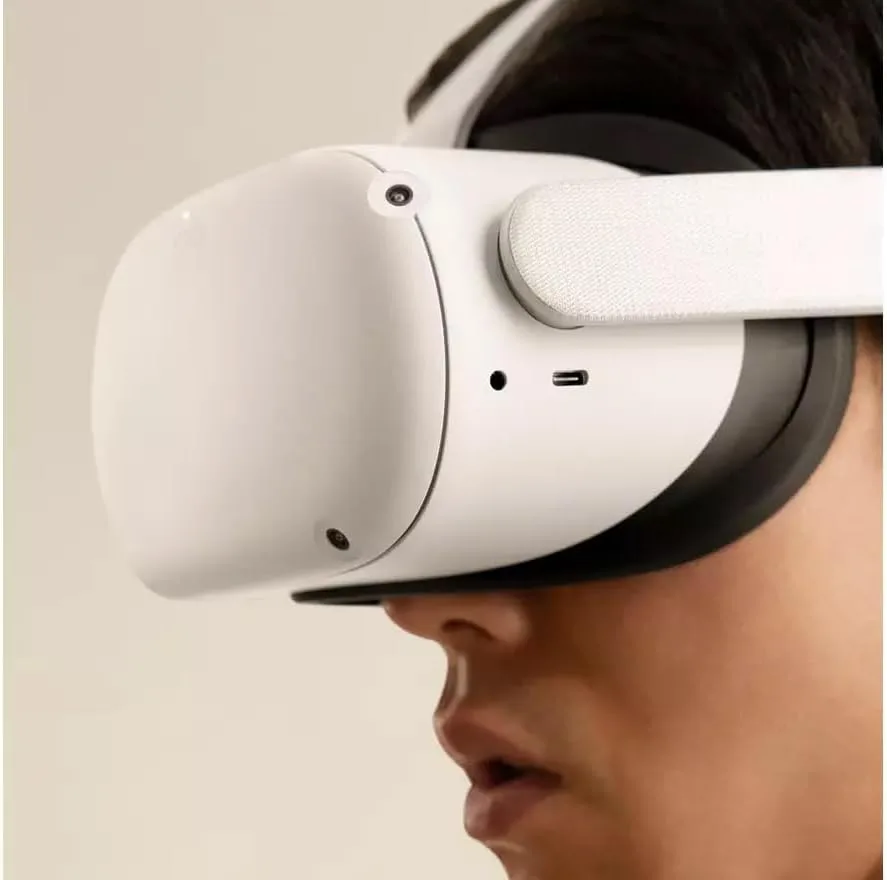
My Honest Experience with the Meta Quest 2
When I first decided to pull the trigger on a VR headset, I wasn’t sure if it would just end up collecting dust on a shelf after a week. I’ve owned plenty of "innovative" gadgets that lost their luster quickly, but the Meta Quest 2 has been a completely different story. I’ve put hundreds of hours into this device, from high-intensity fitness games to relaxing travel experiences, and I’ve learned exactly where it shines and where it falls short. If you are curious about the current value, you can check today's price to see how it fits your budget.
What I Loved About the Setup and Performance
The biggest selling point for me was the standalone nature of the device. I didn't want to deal with external cameras or a PC tethered to my head. The setup process was surprisingly fast; I was up and running in under ten minutes. The tracking is incredibly precise, and I rarely noticed any "drift" or lag, even in games that require fast movements like Beat Saber or Superhot. The library of games is also massive, which keeps the experience fresh months later.
The Real-World Cons
Of course, it isn't perfect. After using it for more than an hour at a time, I noticed the stock head strap is a bit uncomfortable. It puts a lot of pressure on your forehead, and I found myself needing to adjust it constantly to keep the image sharp. Also, the battery life is decent, but not amazing—you’ll get about two hours of solid gameplay before you need to plug it back in. If you plan on long sessions, you’ll definitely want to look into an external battery pack or a better head strap. You can grab it on Amazon and maybe save some cash for those accessories.
Performance vs. Expectations
Visually, the resolution is sharp enough that text is readable, which is a big deal in VR. I’ve spent some time using it for productivity apps, and it actually works quite well for a simulated office environment. However, the black levels aren't as deep as I’d like—this is an LCD screen, after all. But for the price point, the trade-off is completely fair. I also appreciate the "Passthrough" mode, which lets you see your real-world surroundings without taking the headset off, though it is in black and white and a bit grainy.
Who Should Buy This?
- Gamers who want to jump into VR without spending thousands on a gaming PC.
- Fitness enthusiasts looking for a fun way to get their heart rate up at home.
- Anyone looking for an approachable, user-friendly entry point into virtual reality.
Who Should Skip It?
- People who suffer from extreme motion sickness (though many people adjust over time).
- High-end PC gamers who demand the absolute highest refresh rates and visual fidelity.
- Users with very limited living space who can't dedicate a small area to movement.
Final Verdict
I’ve really enjoyed my time with this headset. It turned my living room into a gaming arena and a personal cinema. While it’s not the newest model on the block, the balance of quality and cost makes it a fantastic purchase for 90% of people interested in VR. If you’ve been on the fence, it’s a solid piece of hardware that is genuinely fun to use. You can pick one up here to start your own VR journey today.