Why I Bought the Scanmarker Pro
As someone who reads a mountain of physical books for work and is currently trying to brush up on my rusty Spanish, I was highly intrigued by the Scanmarker standalone pen. I have seen these little scanning gadgets floating around for years, but what caught my eye about this specific model is that it doesn't require being tethered to a phone or laptop. I get distracted easily. If I have to open my phone to see a translation, I will inevitably end up scrolling through emails for twenty minutes. I decided to pick one up here and put it through its paces for the last four weeks.
First Impressions and Setup
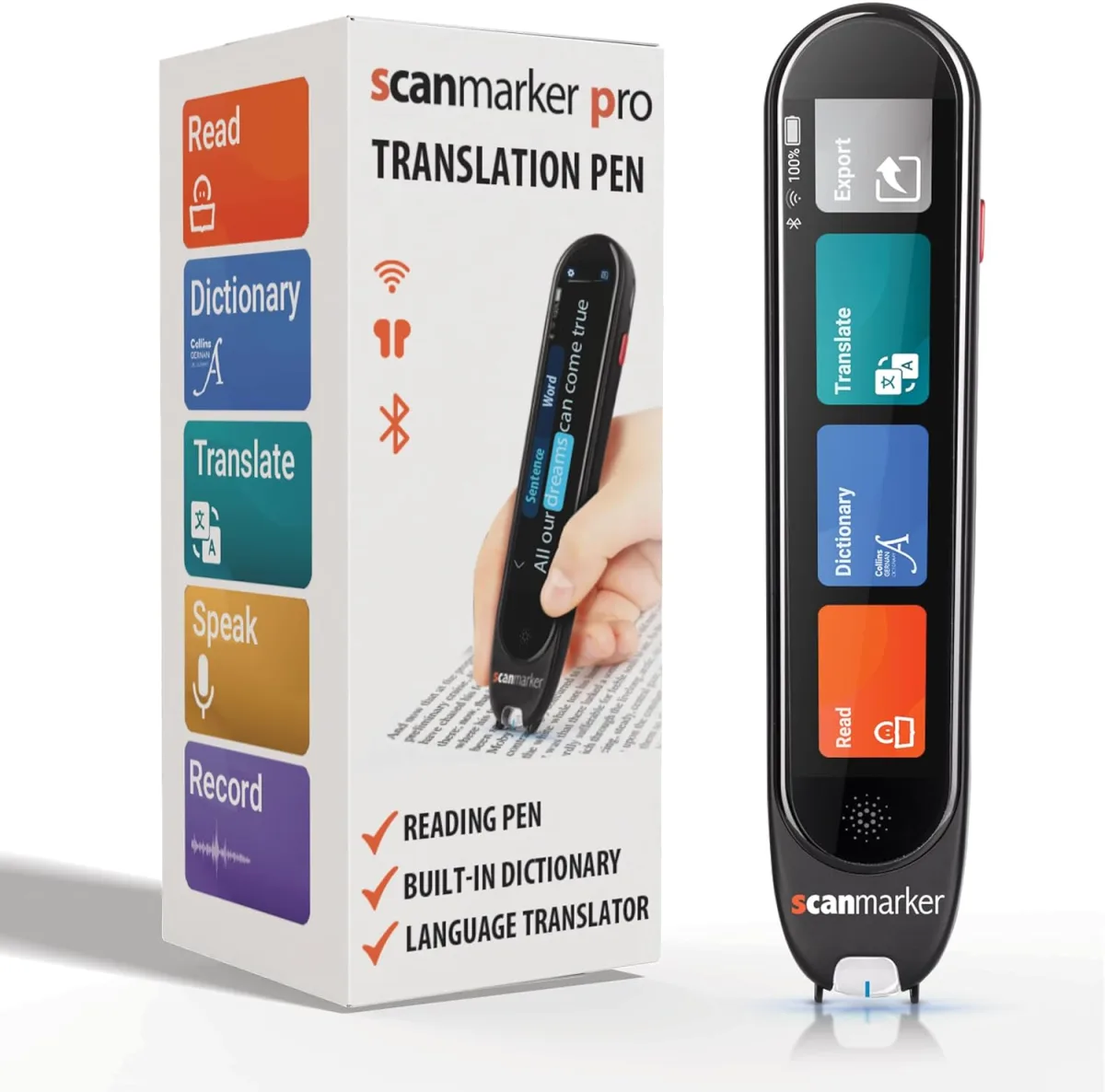
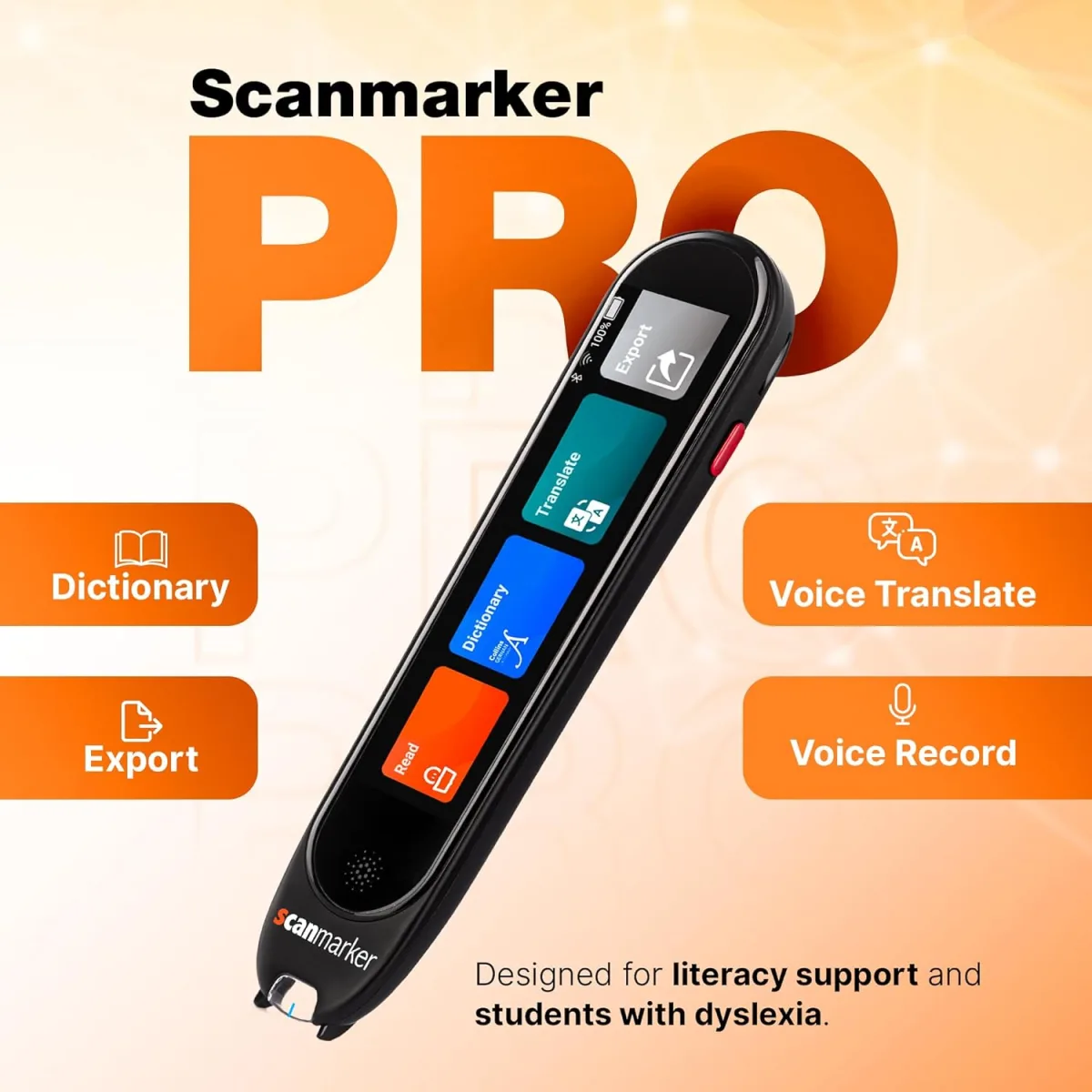
Out of the box, the pen feels a bit chunky but incredibly light. It fits comfortably in my hand, similar to holding a thick highlighter. The built-in touchscreen is small, obviously, but surprisingly responsive. Setup took me about five minutes. I connected it to my home Wi-Fi, downloaded a quick software update, and was ready to start scanning.
One thing that surprised me right away was the volume of the built-in speaker. It gets surprisingly loud! Thankfully, it supports Bluetooth, so I immediately paired my wireless earbuds so I wouldn't drive my family crazy while testing the text-to-speech features.
How Well Does It Actually Scan?
This is the make-or-break feature for any reading pen. My verdict? It is fantastic, but there is a slight learning curve. During my first few tries, I was dragging the pen way too fast across the page, and the screen spit out a jumbled mess of letters. You have to find the sweet spot: a steady, moderate pace, keeping the clear plastic tip flat against the paper.
Once I got the rhythm down, the accuracy blew me away. It picks up standard book fonts flawlessly. However, I noticed it struggles with high-gloss textbook paper. The glare from overhead lights occasionally confuses the optical sensor. It also hates heavily stylized fonts. But for standard paperbacks, printouts, and documents, it works like a charm. If you are reading standard text and want to try it yourself, you can grab it on Amazon to see how it handles your specific books.
Translation and Assistive Features
I bought this primarily for translation and reading fatigue. For Spanish, it is incredibly fast. I scan a sentence I don't understand, and the English translation pops up on the little screen almost instantly, while the audio reads the correct Spanish pronunciation into my headphones. It feels like magic.
For someone with dyslexia or ADHD, I can see this being an absolute game changer. Being able to hear the words while physically tracking them with the pen engages multiple senses, which really helped me stay focused during dry, technical reading sessions.
The Good and The Bad
What I Loved:
- No phone required: The standalone screen keeps me off my smartphone and focused on the book.
- Bluetooth audio: Pairing headphones is seamless and makes it great for library or coffee shop use.
- Impressive language library: It supports dozens of languages over Wi-Fi.
- Left-handed mode: A small but crucial setting for lefties!
What Annoyed Me:
- Battery life: It drains faster than I expected. I get about 3 to 4 hours of heavy, continuous scanning before needing a charge.
- Glossy paper issues: Magazines and glossy textbooks require perfect lighting to scan accurately.
- Price tag: It is definitely an investment piece of tech.
Who Should Buy This?
If you are a student dealing with heavy reading loads, someone learning a new language, or an individual with dyslexia who benefits from text-to-speech, this pen is easily worth the money. It completely changes how you interact with physical text. It is also perfect for researchers who need to digitize quotes from library books quickly.
Who Should Skip It?
If you mostly read on a Kindle or iPad, don't bother. This is strictly for physical media. Also, if you are expecting it to perfectly scan tiny, stylized text on glossy magazine pages, you will end up frustrated.
Final Verdict
After a few weeks of daily use, the Scanmarker Pro has earned a permanent spot in my backpack. It isn't absolutely perfect, and remembering to charge it is slightly annoying, but the core functionality is stellar. It saves me time, helps me learn, and keeps me focused. If you think it fits your workflow, I highly recommend you check today's price and try it out for yourself.