Why I Bought the BIGASUO Digital Frame
I live about eight hours away from my parents, which means they miss out on a lot of the day-to-day moments with their grandkids. I used to print out photos and mail them, or try to text massive video files that would inevitably fail to send. I finally decided to look into a Wi-Fi digital picture frame. After browsing through dozens of options that all looked exactly the same, I landed on the BIGASUO 10.1-inch digital picture frame. It had solid ratings, and I liked the fact that it didn't require a monthly subscription fee just to use the app.
Before buying it as a gift, I decided to have it shipped to my house first so I could set it up, test it out, and preload it with a few hundred pictures. If you're in the market for one, you can check today's price to see if it fits your budget.
The Setup Process: Easier Than Expected
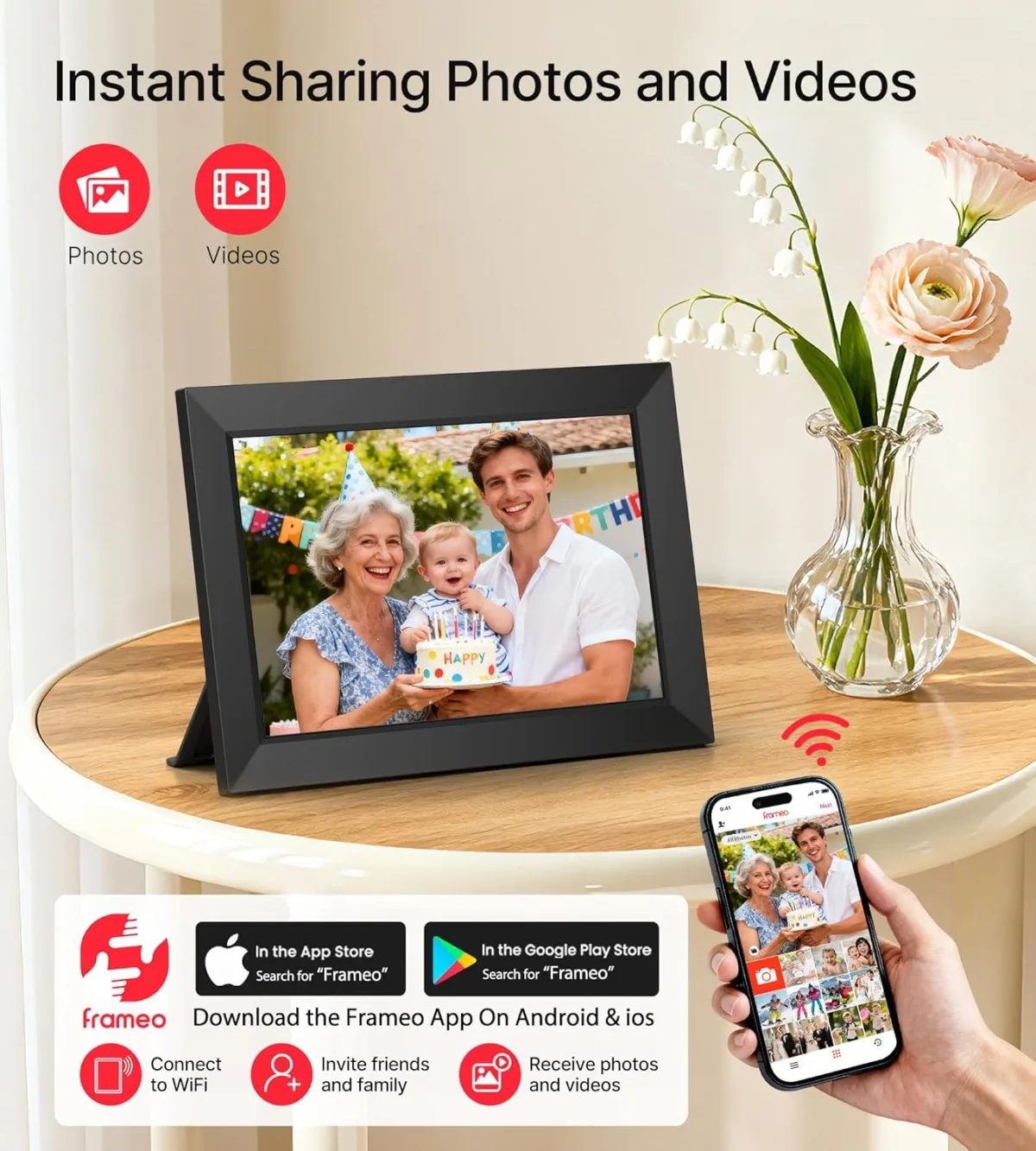
Right out of the box, the frame feels surprisingly sturdy. It comes with a detachable kickstand that lets you position it in either portrait or landscape mode, and the screen automatically rotates the images to fit. I plugged it in, connected it to my home Wi-Fi using the touch screen, and downloaded the companion app on my iPhone.
Connecting the app to the frame was a breeze. The frame generates a unique code, you type that code into the app, and boom—you are linked. I even shared the code with my brother in another state, and he was able to send photos to the frame from his phone within minutes. The only thing that annoyed me during setup was the power cord. It is pretty short. If you don't plan on putting this right next to an outlet, you are going to need an extension cord.
Display Quality and Touch Screen
The screen is a 10.1-inch IPS display with a 1280x800 resolution. I wasn't expecting an iPad-level retina display at this price point, but I was genuinely impressed by how punchy and vibrant the colors are. Because it's an IPS panel, the viewing angles are fantastic. You can clearly see the photos from across the living room without the screen looking washed out.
The touch screen is responsive enough for basic navigation. You can swipe through photos, pause the slideshow, or delete a picture right from the frame. My mom isn't great with technology, but she figured out how to swipe back to look at a photo she missed in about two seconds. If you think this would work for your family, you can grab it on Amazon before the holidays.
What I Liked and What I Didn't
Pros
- No subscription fees: The app is totally free to use. Many competitors charge you a monthly fee to unlock cloud storage or video sending, which is a massive rip-off.
- Generous storage: It has 16GB of internal memory. After uploading about 400 photos and a dozen short videos, I haven't even made a dent in the storage. There's also a micro SD card slot if you ever need more room.
- Remote sharing: Being able to surprise my parents with new photos while they are sleeping is just fun. They wake up to a notification on the frame that new pictures have arrived.
Cons
- Video length limits: You can send videos, but the app limits them to 15 seconds. If you have a longer clip of a school play or a sports game, you have to trim it down before sending.
- Must stay plugged in: There is no internal battery. If the power goes out, or if you unplug it to move it to another room, it immediately shuts off.
- App interface: The app works fine, but it feels a little dated. Selecting multiple photos at once can be clunky.
Who Should Buy This
This is the ultimate gift for grandparents or family members who live far away. If you want a zero-hassle way to push photos of the kids directly into someone's living room without them having to lift a finger, this frame is a massive win. It's also great for anyone who has thousands of photos trapped on their phone that they never actually look at.
Who Should Skip It
If you are looking for a portable tablet-style frame that you can pass around on the couch, this isn't it since it has to remain tethered to the wall. Also, if your primary goal is displaying long home videos, the 15-second upload limit will drive you crazy.
Final Verdict
After a few weeks of testing this at my house and then setting it up at my parents' place, I'm really happy with the purchase. The BIGASUO frame does exactly what it promises: it keeps families connected through a bright, beautiful display. The minor annoyances with the power cord and video limits are heavily outweighed by the joy my parents get from seeing new photos pop up every week. If you want to compare it to similar models, you can see what others paid and read more user experiences.